No products in the cart.
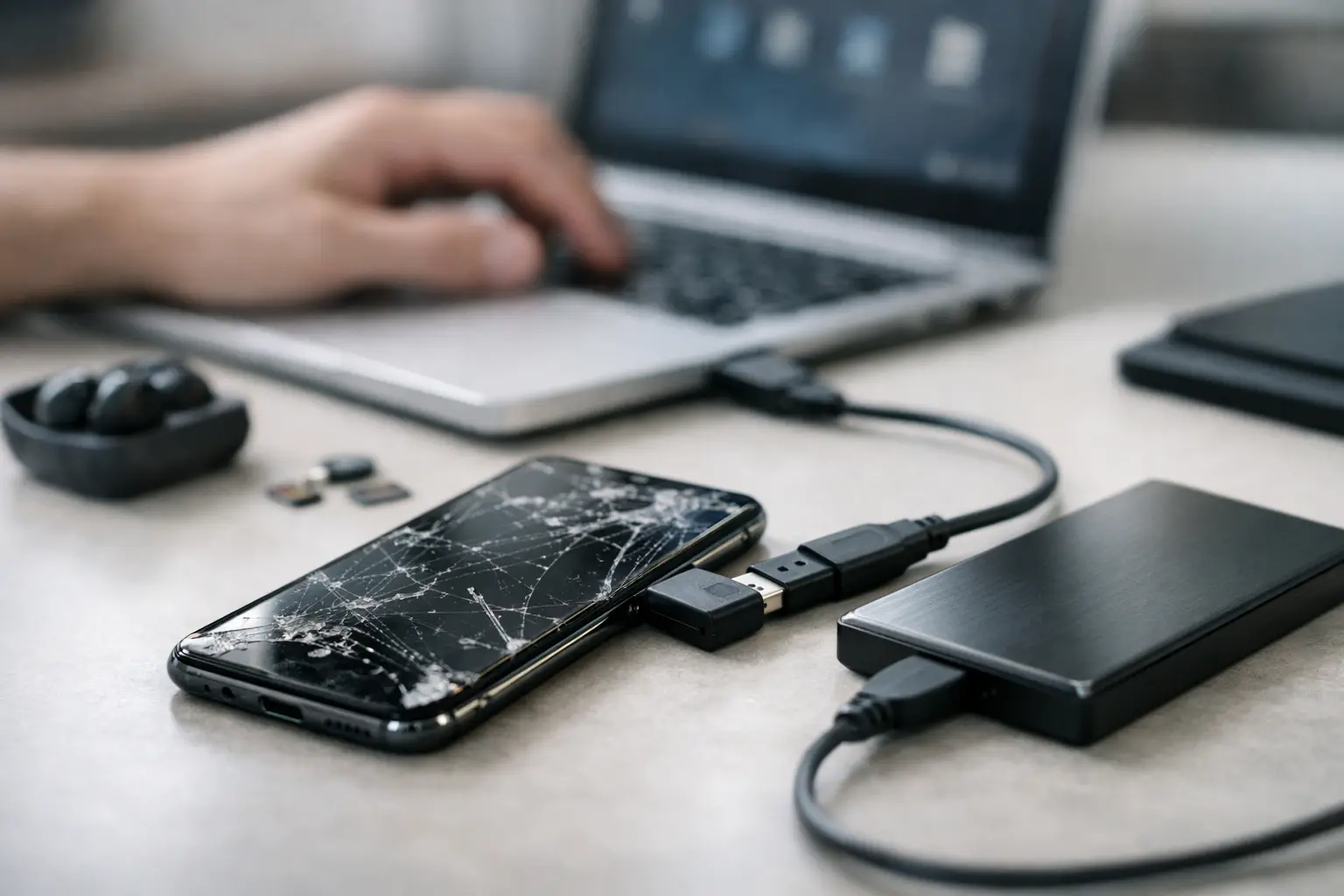
Your phone screen is black, the touch isn’t working, or the device won’t turn on at all – and suddenly the real problem isn’t the hardware. It’s the photos, contacts, notes, messages, work files, and app logins you need back. If you’re trying to recover data from broken phone damage, the right next step depends on one thing first: is the phone still alive underneath the damage, or is the storage itself at risk?
That distinction matters because some broken phones only need a temporary path back in. Others need hands-off professional repair before more data is lost. Moving too fast with the wrong fix can make recovery harder, especially after water exposure, severe drops, or repeated failed power-on attempts.
A cracked screen and a dead phone are not the same problem. If the phone vibrates, rings, charges, shows notifications, or connects to a computer, there’s a good chance the data is still there and accessible. In many cases, the phone itself is working – you just can’t see or control it.
If the phone is completely unresponsive, stuck in a boot loop, overheating, or was damaged by water, things get more serious. That doesn’t mean your data is gone. It means you should be more careful about what you try next.
The safest way to think about it is simple. Cosmetic or screen-related damage often leaves a path to recovery. Power issues, motherboard damage, and liquid damage usually need proper diagnostics before any recovery attempt.
If the phone still powers on, start with the least risky options. The goal is to access your files without stressing the device any further.
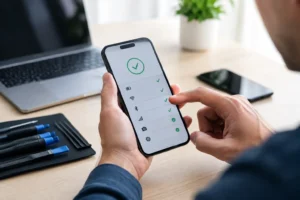
Before you touch cables or adapters, check whether the data is already backed up. Photos, contacts, notes, calendars, app files, and messages may already be saved through your account settings. Many people assume they lost everything, then find most of it restored as soon as they sign into a replacement device.
This is the fastest outcome and usually the cheapest one too. It also avoids the risk of turning a recoverable phone into a non-recoverable one by forcing repeated restarts or charging attempts.
If the screen is black or the touch isn’t responding but the phone still powers on, a display adapter or desktop connection may help you get back in. Some phones support screen mirroring or external display output, which can let you unlock the device, trust a computer, and transfer data.
This only works in certain cases. If USB settings were never enabled, if the device requires on-screen approval you can’t provide, or if the phone has deeper board damage, this option may stall out quickly. Still, for a phone with display-only damage, it can be a clean solution.
A computer may recognize the phone even if the screen doesn’t. If it does, you may be able to import photos or access files already exposed through the device’s file transfer settings. This works best on phones that were previously connected and trusted on that same computer.
If your phone asks for a passcode, trust permission, or file transfer approval and you can’t interact with the screen, don’t keep reconnecting it over and over. At that point, the issue is less about transfer and more about gaining safe access.
Sometimes the fastest way to recover data from broken phone issues is to repair just enough of the hardware to access the device. A temporary working screen, charging port repair, or power-related fix can be all that’s needed to back up everything.
This is often the smartest option when the phone is valuable mainly because of what’s inside it. You don’t always need a full cosmetic restoration. You may only need stable access for 30 minutes.
There’s a point where home troubleshooting stops being helpful. If your phone was dropped into water, won’t charge after impact, gets hot during charging, or keeps restarting, every extra attempt can make recovery harder.
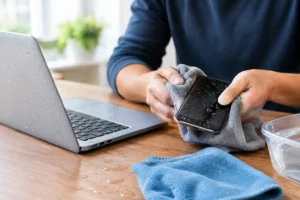
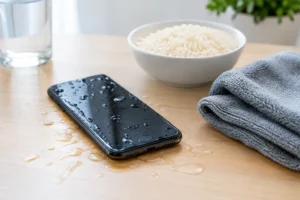
Liquid damage is the biggest example. A phone that seems fine right after water exposure can corrode internally over time. Charging it, heating it, or leaving it powered on may worsen the damage. Rice won’t fix that, and neither will random internet tricks.
Severe physical damage is another red flag. If the frame is bent, the phone smells burnt, or parts are loose inside, stop testing cables and buttons. The goal should shift from “make it work” to “protect the storage and diagnose the damage safely.”
This is where expectations need to be realistic. A broken screen is usually a repair-access problem. Motherboard damage is a data access problem.
With screen damage, your files may still be intact and reachable after a same-day screen replacement or temporary test screen installation. With motherboard damage, the phone may need microsoldering work, power restoration, or board-level diagnostics before any data can be touched.
That’s why free diagnostics matter. You want to know whether the issue is a simple display failure, a charging fault, battery failure, or something deeper. Guessing costs time, and on a damaged phone, time matters.
Good recovery service should feel practical, not mysterious. A technician should first check whether the phone powers, whether the storage is likely intact, and what hardware is preventing access. From there, the solution may be as simple as a replacement screen or as specialized as board repair.
The biggest benefit of professional help is controlled handling. Instead of repeated DIY attempts, the device gets tested with proper tools, known-good parts, and a clear plan. That matters when the phone holds business contacts, family photos, banking apps, school files, or two-factor authentication access.
At iFix Hub, this is exactly why same-day service and free diagnostics matter so much. Customers usually don’t need a lecture on circuitry. They need honest answers, fast repairs, and the best shot at getting their data back without wasting time or risking more damage.
If the screen is shattered but the phone still vibrates or rings, a screen replacement is often the fastest path. If the charging port is damaged and the battery is dead, restoring charging can bring the phone back long enough to create a backup. If the phone got wet, the first step is cleaning, diagnostics, and controlled repair – not repeated charging attempts.
If the device turns on but stays stuck on the logo, the issue may be software, storage stress, or board-level failure. Sometimes recovery is possible after repair. Sometimes it depends on how badly the phone was damaged and whether the storage remains healthy.
That’s the honest part most people need to hear: not every broken phone has the same odds. The right process improves your chances, but no one should promise guaranteed recovery before the device is diagnosed.
Do as little as possible. Don’t factory reset the device. Don’t install random recovery apps. Don’t keep trying cheap replacement chargers if the phone is getting hot or behaving strangely. And definitely don’t keep powering on a water-damaged phone just to “see if it works now.”
If you can, keep the phone off. Bring any passcodes you know, and remember the last time the phone worked normally. That information helps narrow down whether the problem started with the screen, battery, charging system, software, or internal damage.
If you have a backup phone ready, that helps too. The faster your main device can be stabilized, repaired, or temporarily accessed, the faster you can move important accounts, messages, and files where they belong.
When people say they need to recover data from broken phone damage, what they usually mean is they need their life back – their photos, contacts, work, travel info, and day-to-day access. That’s why speed matters, but not at the cost of making the damage worse.
A careful first step beats ten desperate ones. If the phone still powers on, you may have a simple path through backup, computer access, or temporary repair. If it doesn’t, fast diagnostics and professional handling are usually the better move.
The good news is that broken doesn’t always mean lost. Sometimes the quickest repair is really a data rescue in disguise, and getting the right hands on the device early can make all the difference.


Need help? Our team is just a message away