
No products in the cart.
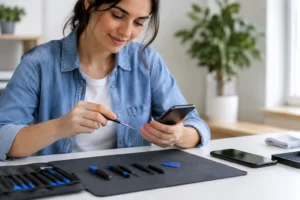
You notice it on the worst possible call. The other person can hear you, but your phone stays quiet, or your media sounds faint, crackly, or completely dead. If your phone speaker not working issue showed up out of nowhere, the good news is that it is not always a major hardware failure. Sometimes it is a simple setting, a blocked speaker grille, or a software glitch. Other times, it needs a fast professional repair before the problem gets worse.
This is one of those issues that can make your entire day harder. Missed calls, alarms you cannot hear, videos with no sound, navigation prompts gone silent – it all adds up fast. The key is figuring out whether you are dealing with a quick fix or a speaker component that needs replacement.
A silent phone speaker can come from a few different places, and they do not all mean the same repair. In many cases, the issue starts with dust, lint, or debris packed into the speaker opening. Phones live in pockets, bags, cars, and on kitchen counters, so buildup happens more often than people think.
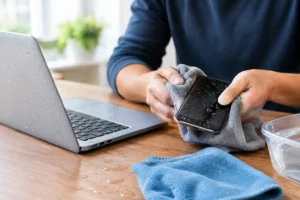
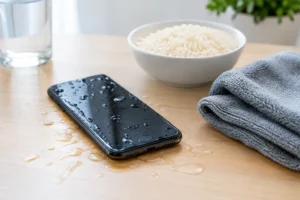
Water exposure is another common cause. Even a quick splash, rain, steam from a bathroom, or a drink spill can affect speaker performance. Sometimes the sound comes back after the phone dries out. Sometimes it turns muffled or distorted and stays that way because moisture has already damaged the component.
There is also the software side. Bluetooth can route sound to earbuds or a car stereo without you realizing it. A recent update can create an audio bug. Accessibility or sound settings can change by accident. If the speaker works for calls but not videos, or for alarms but not speakerphone, that usually points to a settings or software problem rather than a dead speaker.
Then there is physical damage. A drop can loosen internal connections or damage the speaker module itself. If your sound stopped right after an impact, that matters. The phone may look fine on the outside while still having internal damage.
Start with the basics. Turn the volume up all the way while playing a video or ringtone, not just from the home screen. Some phones keep separate volume levels for media, calls, alarms, and notifications. It sounds obvious, but this solves more cases than most people expect.
Next, make sure Bluetooth is off. If your phone is still connected to wireless earbuds, a speaker, or your car, the sound may be going somewhere else. Disconnect all paired audio devices and test the phone again.
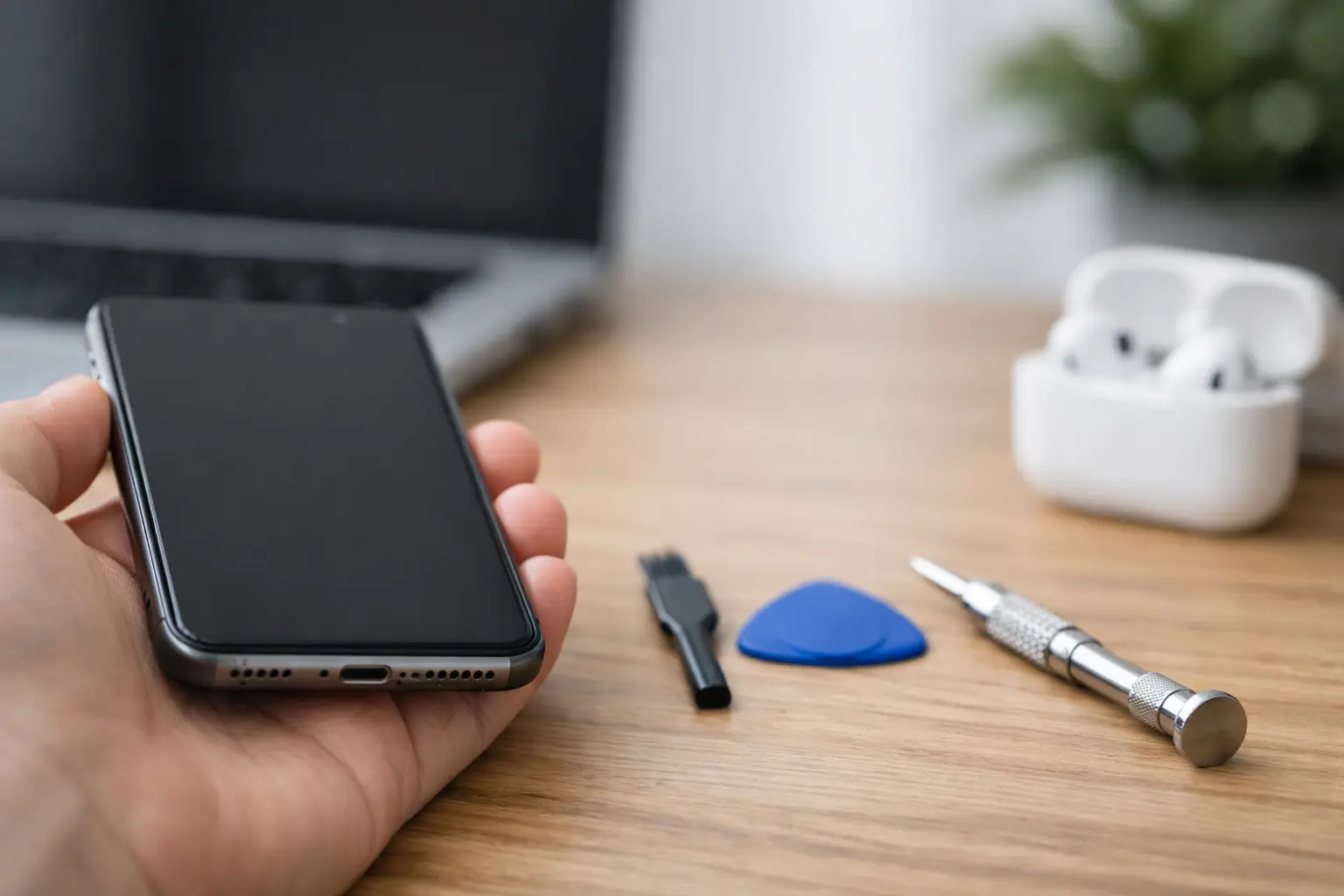
Look at the speaker grille closely. If you can see lint or dirt, that could be blocking the sound. Be gentle here. Do not push anything sharp into the opening. A soft, dry brush can help remove loose debris, but if the buildup is packed in, forcing it deeper can make the problem worse.
Restart the phone. A fresh reboot can clear temporary software glitches that affect audio. If the issue started right after an app install or system update, check whether other apps also have no sound. That pattern can tell you a lot.
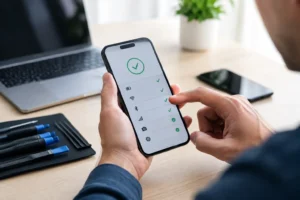
You should also test multiple audio functions. Try a phone call on speakerphone, a video, an alarm, a ringtone, and a voice memo playback. If every sound source is dead, the issue is more likely hardware. If only one function fails, software or app settings become more likely.
If the speaker cuts in and out, works after a restart, or only fails in certain apps, software is a strong possibility. The same goes for phones that still produce sound through headphones but not through built-in playback under specific conditions.
Check for an available software update, but be realistic about timing. Updates can fix bugs, yet they can also introduce new issues. If your phone speaker stopped working immediately after an update, it may need diagnosis rather than guesswork.
Safe mode or app troubleshooting can help if a third-party app is interfering with audio. For most people, though, this is where trial and error starts costing time. If you need your phone for work, school, travel, or family calls, a free diagnostic is usually faster than spending hours digging through menus.
A clogged speaker can sound quiet, muffled, or distorted instead of completely silent. That is why people often assume the speaker is failing when it is actually blocked. Dust and pocket lint are common, especially if your case traps debris around the grille.
But cleaning only helps if blockage is the real issue. If your phone was dropped or exposed to liquid, cleaning the outside will not fix internal damage. It may improve the sound slightly, but the root problem can still be there. That is where a proper inspection matters.
This is also why DIY cleaning has limits. Compressed air, metal pins, and aggressive tools can damage the mesh or push debris further in. A quick fix can easily become a bigger repair.
If your phone speaker not working started after water exposure, do not wait too long to get it checked. Even if the sound comes back for a while, corrosion can keep spreading inside the device. What looks like a temporary speaker issue can turn into charging problems, microphone trouble, or board-level damage later.
A lot depends on how much moisture got in and how quickly the phone is treated. A splash is different from full submersion. A water-resistant phone is not the same as a waterproof phone. And older seals lose effectiveness over time.
If you suspect moisture, stop charging the device until it is assessed. Trying to power through the problem can make damage worse. Fast professional diagnosis is usually the smartest move here.
Some patterns point more directly to hardware failure. If the sound is crackling after a drop, fades in and out when you move the phone, or stays weak no matter what app or setting you use, the speaker module may be damaged. If audio works through Bluetooth and headphones but not from the phone’s own speaker at all, that is another strong sign.
In these cases, testing matters more than guessing. A technician can confirm whether the issue is the loudspeaker, another internal component, or a connection problem. That matters because replacing the wrong part wastes both time and money.
For customers who need their phones back quickly, this is where same-day service makes a real difference. A speaker repair is often more straightforward than people expect when the problem is identified early and handled by certified technicians using genuine parts.
It depends on the cause. If the issue is just a stuck Bluetooth connection or a settings problem, using the phone is usually fine. If the speaker is muffled from debris, continued use may be inconvenient but not necessarily dangerous.
If the phone has been dropped, exposed to water, or is showing other symptoms like overheating, charging issues, or random restarts, using it normally is more of a risk. Speaker failure can be one part of a larger internal problem. Waiting too long can turn a simple repair into a more expensive one.
That is especially true if you rely on your phone for business calls, banking alerts, travel, rideshare apps, or school communication. A working speaker is not just about entertainment. It affects basic daily function.
If you have already checked volume, Bluetooth, settings, and basic cleaning, and the problem is still there, it is time for a proper diagnosis. The same goes for any phone with water exposure, impact damage, or sudden crackling sound.
This is not a repair most people want to gamble on at home. Modern phones are tightly sealed, and opening them without the right tools can damage the screen, compromise water resistance, or create additional issues. A fast inspection by a trusted repair shop gives you clarity right away.
At iFix Hub, this is exactly the kind of problem that benefits from free diagnostics and same-day service. If the speaker needs replacement, you want genuine parts, experienced technicians, and a comprehensive warranty so the fix is done right the first time. If the issue turns out to be something simpler, you get answers without unnecessary repair costs.
A phone that cannot play sound properly does not just feel annoying. It gets in the way of work, family communication, safety alerts, and everyday routines. The sooner you find out whether it is a quick fix or a hardware problem, the sooner life gets back to normal. If your speaker has gone quiet, treat it like the urgent issue it is and get it checked before a small problem turns into a bigger one.


Need help? Our team is just a message away