

No products in the cart.
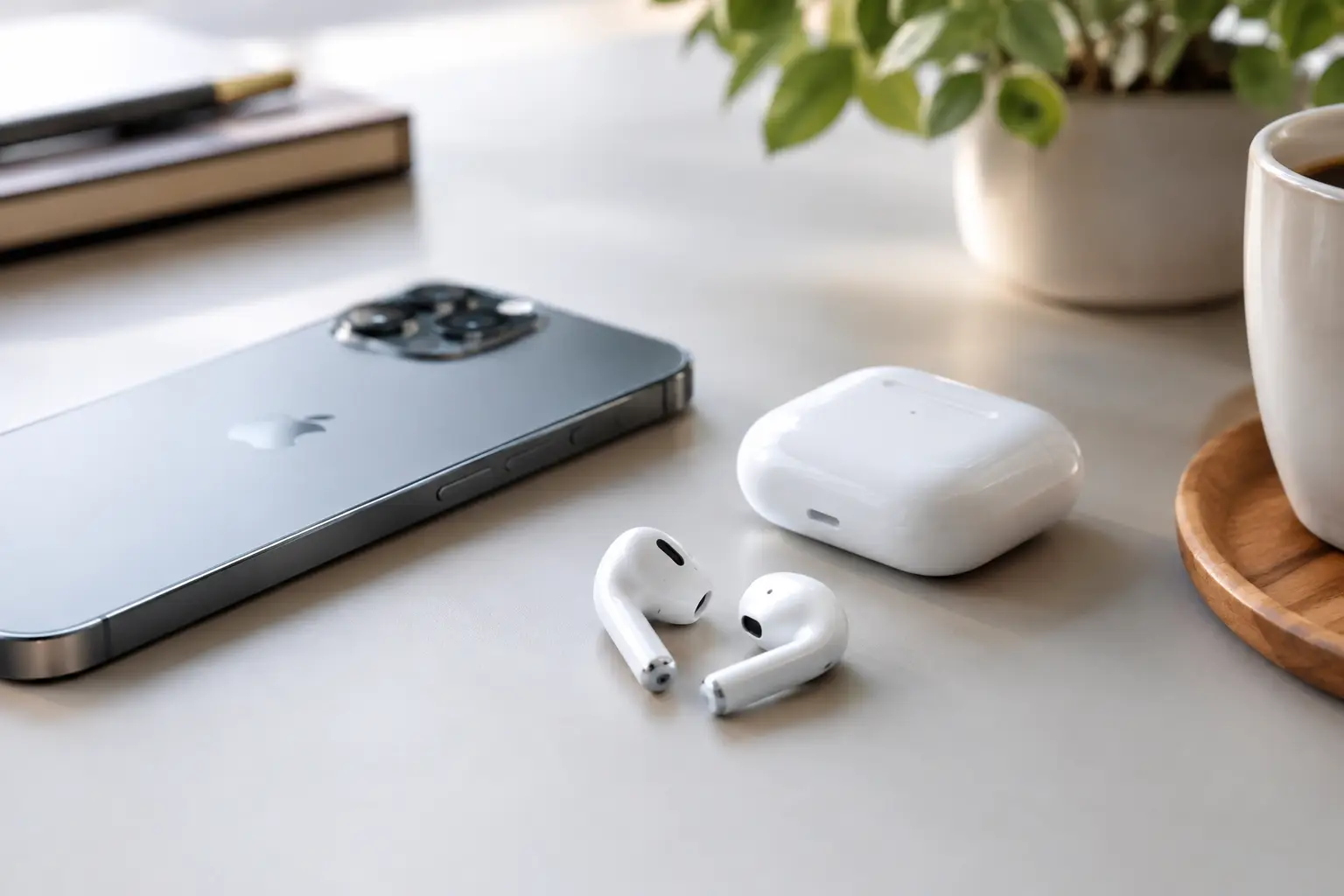
Your iPhone is probably the first thing you reach for in the morning and the last thing you check at night. The right wireless earphones for iPhone should make calls clearer, commutes quieter, workouts easier, and quick errands less cluttered. They should not leave you fighting Bluetooth settings, charging a dead case every afternoon, or constantly pushing an earbud back into place.
For most people, the best choice is not simply the most expensive pair. It is the pair that works reliably with your routine. Here is what to look for before you buy, plus a few practical ways to get more from your earphones once they are connected.
A pair of wireless earphones does not need to be made by Apple to work with an iPhone. Most quality Bluetooth earphones will pair with iOS and handle music, calls, podcasts, and video without a problem. The difference is usually in convenience.
Earphones designed specifically for Apple devices often pair faster, switch more easily between an iPhone, iPad, and Mac, and display battery status directly on screen. That can be worth paying for if you move between Apple devices throughout the day. If you only use your iPhone, a well-made Bluetooth option can still deliver great sound and dependable calling at a more affordable price.
Before choosing a pair, check that it supports the current iOS version on your phone. Also consider how you use voice controls. If you regularly call people while driving, walking, or working, easy access to Siri can make a noticeable difference.
A premium feature list means very little if your earphones hurt after 20 minutes. Comfort is one of the biggest reasons people stop using a pair they were excited to buy.
In-ear earphones generally offer better noise isolation because they create a light seal in the ear. They are a strong choice for flights, gym sessions, busy offices, and public transit. The trade-off is that some users do not like the pressure of silicone tips or the feeling of a sealed ear.
Open-fit earphones rest more lightly in the ear and let you stay aware of what is around you. They can feel better for long calls and all-day listening, especially if silicone tips irritate your ears. However, they usually let in more outside sound and may not stay as secure during intense workouts.
If possible, choose earphones with several tip sizes. A proper fit improves comfort, keeps the earbuds stable, and can make music and calls sound better because more of the sound stays where it belongs. For a secure fit, try them while talking, smiling, turning your head, and walking. If they loosen during those simple movements, they may not be right for your day.
Strong bass is fun, but call quality is often the feature you notice most. Students need to answer classmates between lectures. Professionals may take meetings from the car or a coffee shop. Parents need to hear clearly when a school calls. Travelers need directions without shouting over traffic.
Look for earphones with multiple microphones and noise reduction for voice calls. These features help reduce wind, road noise, and nearby conversations so the person on the other end can hear you more clearly. Results vary by environment, so do not expect any small earphone to erase a loud construction site. Still, a good microphone system can make everyday calls far less frustrating.
If you often take work calls, avoid choosing based on music sound alone. Reliable voice pickup, stable connection, and comfortable wear for a 45-minute meeting are the details that matter after the first week.
Battery life is easy to overthink. A long total battery number often includes several recharges from the case, not one continuous listening session. What matters first is how long the earphones last on a single charge.
For many users, around five to eight hours of listening is enough for a normal workday, commute, and workout. If you are on calls for long stretches, use noise cancellation often, or travel frequently, more single-charge battery life is worth prioritizing. Active noise cancellation can reduce battery life, so expect shorter playtime when it is turned on.
The charging case matters too. A compact case is easier to carry, but it still needs enough backup power to get you through a few days. Wireless charging can be convenient if you already use a charging pad, while USB-C charging keeps things simple when your other newer devices use the same cable.
A quick-charge feature is especially useful for busy mornings. Even a short charge before leaving home can be enough for a commute or a few important calls.
Noise cancellation is one of the most useful upgrades in wireless earphones, but it is not essential for everyone. It works by using microphones to reduce steady background noise, such as airplane engines, air conditioners, and the hum of public transit.
It is a great fit if you commute, travel, study in shared spaces, or work near constant background noise. You may be able to listen at a lower volume, which is more comfortable over time. The trade-off is higher cost and, in some models, a slight feeling of pressure that not everyone enjoys.
Transparency mode does the opposite. It lets outside sound in so you can hear announcements, coworkers, traffic, or a quick question without removing an earbud. This is useful when walking around town or waiting at an airport gate. For safety, keep at least some awareness of your surroundings when you are near roads, cyclists, or crowded areas.
Touch controls can be convenient, but they should not be overly sensitive. Good controls let you pause music, skip a track, adjust volume, answer calls, or change noise settings without pulling out your phone. Poor controls can turn a simple adjustment into an accidental hang-up.
Think about where you will use your earphones most. For gym use, look for sweat and water resistance. For travel, focus on battery life, noise control, and a case that will not pop open in a bag. For work, call quality and comfort should lead the decision. For everyday use, a balanced pair with a dependable case may be all you need.
Water resistance is helpful, but it does not mean every pair can survive being dropped into a pool or run through a washing machine. Sweat-resistant earphones should be wiped dry after workouts, and the charging contacts should stay clean before you put them back in the case.
Even good wireless earphones can act up when they have not been paired correctly or when your iPhone is holding onto an old connection. Start by fully charging both earbuds and the case. Then turn Bluetooth on in your iPhone settings, place the earphones in pairing mode, and select them from the device list.
If audio cuts out, stays connected to only one side, or will not pair, forget the earphones in your iPhone Bluetooth settings and pair them again from the beginning. Restarting the iPhone can also clear a temporary connection issue. Keep the earphones updated through the manufacturer’s app when one is available, since updates can improve call quality, stability, and battery management.
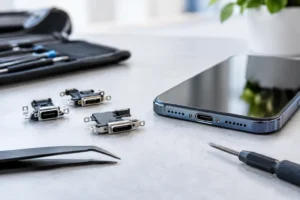
Connection problems are not always caused by the earphones. A damaged charging port, worn battery, or software issue on the phone can create bigger daily headaches. If your iPhone is not charging consistently or Bluetooth problems continue with multiple devices, a free diagnostic can help identify the real issue before you spend money replacing accessories that may not be the problem.
The best wireless earphones are the ones you can rely on without thinking about them. They connect when you need them, stay comfortable through your routine, and give you enough battery to get through the day. A lower-priced pair with clear calls and a secure fit can be a better purchase than a feature-packed model that stays in a drawer.
At iFix Hub, we help customers keep the devices they depend on working properly, from fast iPhone repairs to practical accessories for everyday use. Bring your iPhone and current earphones with you if something is not pairing, charging, or sounding right. A quick check can save you time and help you choose a setup that works better from the first call to the last song.


Need help? Our team is just a message away