
No products in the cart.
A cracked screen, dying battery, or laptop that will not charge can derail your entire day. But laptop repair quality is about more than getting the device to turn back on before you leave the shop. It is about getting the correct fix, using parts that fit and perform properly, and knowing the repair will hold up when you need your laptop for work, school, travel, or home.
A low quote can be tempting when your laptop is unusable. Still, the cheapest repair is not always the best value if the issue returns in a few weeks, a replacement part fails early, or a rushed repair creates a new problem. The right repair shop makes the process clear, fast, and dependable from diagnosis through warranty support.
Many laptop problems look alike from the outside. A laptop that will not power on might have a failed battery, a damaged charging port, a faulty power button, liquid damage, a bad charger, or an issue on the logic board. Replacing the first part that seems likely is not a real solution.
Quality repair starts with a careful diagnostic. A technician should test the charging system, battery health, display connection, storage drive, cooling system, and other relevant components before recommending a repair. This avoids paying for a part you did not need and helps identify damage that could cause another failure later.
Free diagnostics are especially useful when the problem is unclear. You deserve a straightforward explanation of what is wrong, what needs to be replaced, what can be repaired, and what the expected cost will be before work begins. Clear answers are a sign that the shop is focused on fixing your laptop properly, not just selling a quick service.
Not every replacement screen, battery, keyboard, or charging port is made to the same standard. A poor-quality laptop screen may have dim brightness, inaccurate color, weak touch response, or a fit that leaves gaps around the bezel. A low-grade battery may drain quickly, overheat, or lose capacity far sooner than expected.
Genuine parts are often the best choice when they are available and practical for your device. They are designed to match the original specifications, which can mean better compatibility and longer-term performance. For some laptop models, high-quality compatible parts can also be a sensible, more affordable option. The key is that the shop tells you what it is installing and why.
Ask whether the quoted price includes a quality-tested part and installation. A trustworthy technician will not pressure you with vague language or hide the type of component being used. If a lower-cost option has trade-offs, such as reduced brightness or a shorter warranty, you should know that upfront.
Laptop battery replacement is one area where quality should never be an afterthought. A worn battery can cause unexpected shutdowns, slow performance, swelling, or trouble charging. A properly selected replacement battery should be compatible with your exact model and tested after installation.
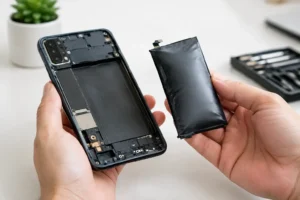
If your laptop case is lifting, the trackpad feels raised, or the bottom panel no longer sits flat, stop using the device and have it checked quickly. Battery swelling can put pressure on internal components and may become a safety concern. Fast service matters, but careful handling matters just as much.
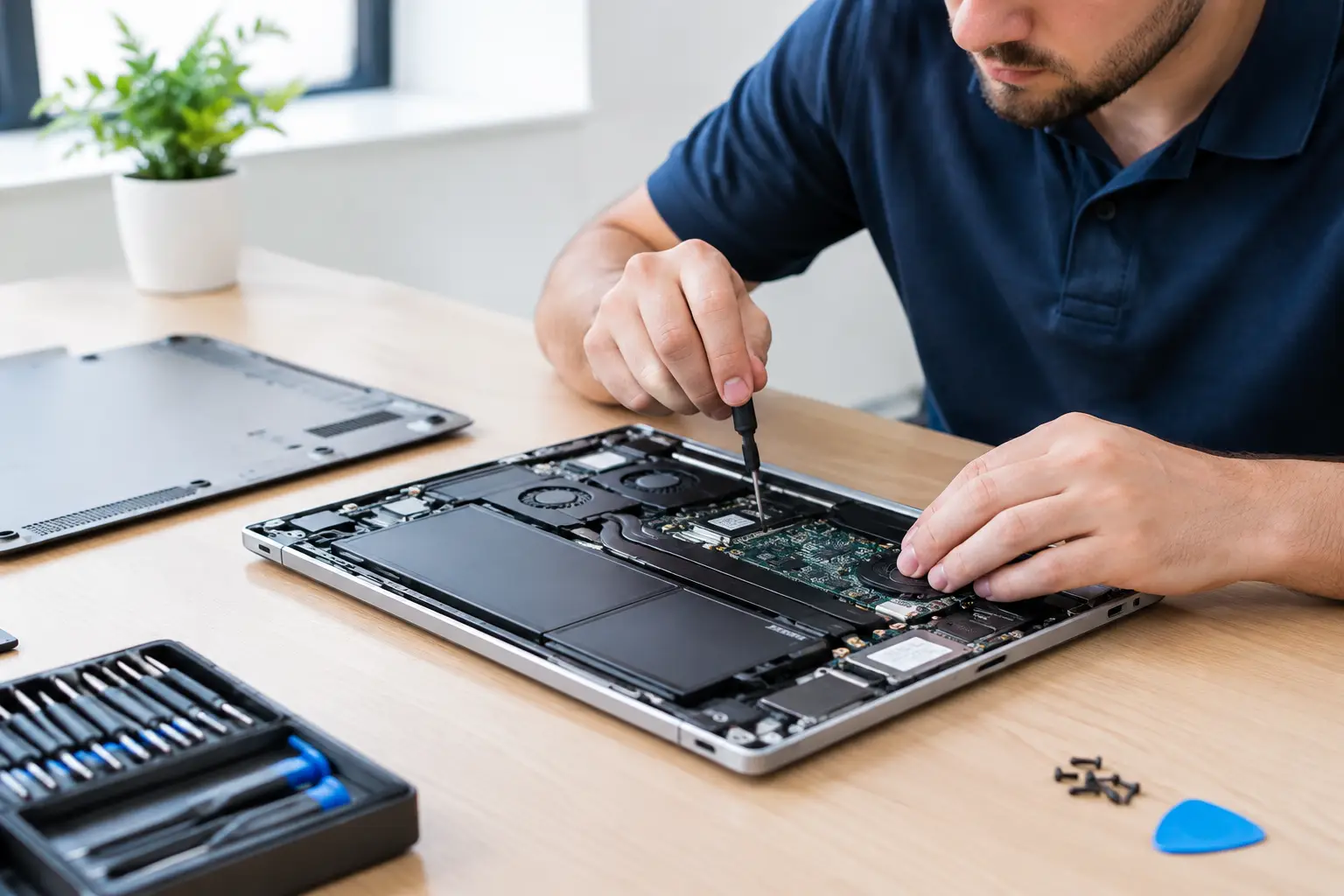
Modern laptops are compact, layered, and easy to damage without the right tools and experience. Screen cables can tear. Tiny screws can be misplaced. Keyboard assemblies, heat sinks, antennas, and internal connectors must be handled correctly. A repair that looks simple can become expensive if it is performed carelessly.
Experienced technicians know how to open devices without damaging clips or housings, disconnect batteries safely, apply thermal material correctly when needed, and reassemble the laptop so it feels solid again. They also test the features affected by the repair instead of assuming the job is complete once the laptop powers on.
For example, after a screen repair, quality testing should include brightness controls, webcam function, Wi-Fi reception, display alignment, and any touch capability. After charging port repair, the technician should confirm that the laptop charges reliably without needing the cable held at a certain angle. Those details separate a temporary fix from professional service.
Same-day service can be a major advantage when your laptop holds your work files, class assignments, family photos, or business information. For common repairs where parts are available, a fast turnaround is entirely reasonable. A screen, battery, keyboard, or charging issue may often be resolved the same day.
However, repair time depends on the problem. Liquid damage, motherboard issues, data recovery, and parts that must be ordered can take longer. A quality shop will be honest about that instead of making a promise it cannot keep. The goal is to return your laptop quickly without skipping diagnosis, testing, or final quality checks.
At iFix Hub, the focus is on giving customers a clear path forward: fast repairs for common issues, transparent recommendations for more complex damage, and service that respects how urgently people need their devices back.
A comprehensive warranty is one of the clearest signs of confidence in a repair. It gives you support if the installed part has a defect or if a repair-related issue appears after pickup. Before approving service, ask what the warranty covers, how long it lasts, and whether it applies to both parts and labor.
A warranty does not usually cover new physical damage, liquid exposure after the repair, or a separate issue that was already present. That is reasonable. What matters is that the terms are clear and that the shop does not disappear once payment is complete.
Keep your receipt and ask for a quick explanation of any recommended care after the repair. You may need to use the correct charger, avoid placing pressure on a new display, keep vents clear, or back up your files if an aging drive is showing warning signs.
Your laptop is not just hardware. It may contain tax records, client documents, passwords, photos, and personal messages. A careful repair process treats that information with respect.
For many hardware repairs, your data can remain untouched. Still, some problems require deeper testing, operating system work, storage replacement, or data recovery. A professional shop should explain if there is any risk to your files and recommend a backup whenever possible. If the laptop will not start, ask whether data recovery is an option before agreeing to a reset or replacement drive.
You can also prepare your device by removing it from any work management system if required, signing out when possible, and sharing only the access information necessary to test the reported issue. A reputable technician should not need unrestricted access to your personal accounts to replace a screen or battery.
You do not need technical knowledge to choose a quality laptop repair. A few direct questions can tell you a lot about the service you are considering. Ask what caused the problem, whether the recommended part is genuine or compatible, how long the repair should take, and what warranty comes with the work.
Also ask whether the final price includes parts, labor, and diagnostic testing. If the issue turns out to be more complex than expected, find out whether the shop will contact you before doing additional work. Good repair service has no surprises at the counter.
Price still matters, especially when you are deciding whether to repair or replace an older laptop. If the repair cost is close to the value of the device, a technician should be candid about that. But if the laptop otherwise meets your needs, a quality repair can be far more affordable than buying a new machine and moving everything over.
When your laptop is essential to your routine, choose a repair that gives you more than a momentary fix. Look for clear diagnostics, quality-tested parts, skilled installation, fast service when appropriate, and warranty-backed support. That is how a repair becomes dependable enough to carry your next deadline, trip, class, or busy workday.




Need help? Our team is just a message away