
No products in the cart.
Your phone falls into a sink, a puddle, or the washing machine, and suddenly the question is urgent: how to save wet smartphone damage before it turns into a dead device. The first few minutes matter more than most people realize. What you do right away can protect your screen, charging port, battery, and even your data. What you do wrong can make a repair harder, more expensive, or impossible.
Water damage is tricky because the phone may look fine at first. It might still light up, vibrate, or even let you answer a call. That does not mean it is safe. Moisture can keep moving inside the device, and corrosion can start fast. A phone that seems normal today can fail tomorrow if liquid is still sitting on internal parts.
Start by taking the phone out of the water immediately. If it is plugged into a charger, unplug it safely first. Then power it off right away. If the phone is already off, leave it off. Do not press extra buttons to check whether it still works. Every extra tap, swipe, or restart increases the chance of a short circuit.
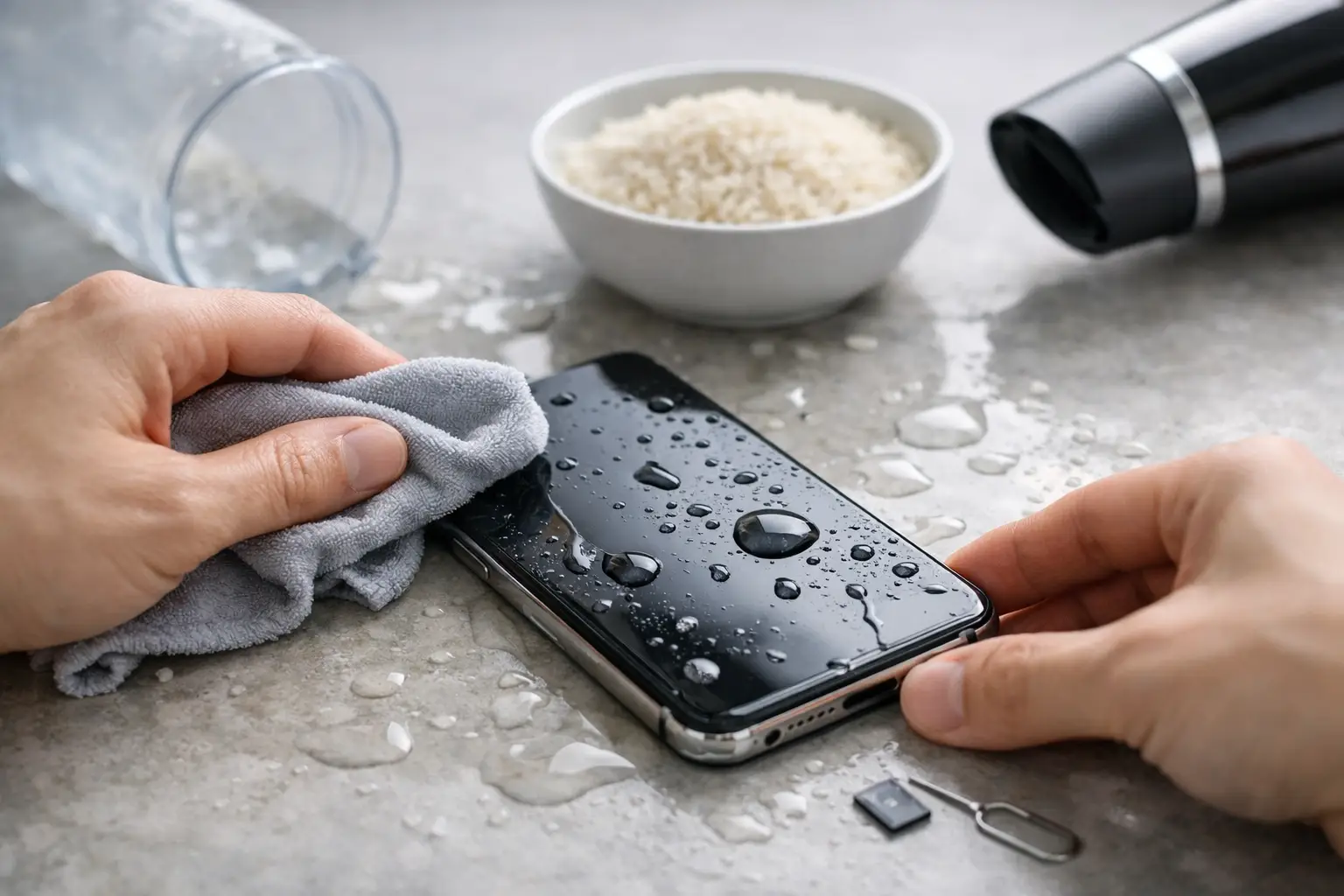
Next, remove anything you can without forcing it. Take off the case. Remove the SIM tray if possible. If your model has removable accessories attached, such as external storage or charging attachments, take those off too. Then dry the outside with a soft, absorbent cloth. Focus on visible water around the screen edges, camera area, speakers, and charging port.
Hold the phone so liquid can drain outward, not deeper into the device. Gentle tilting helps. Shaking it hard does not. That can move moisture into places it had not reached yet.
If the phone got wet from clean water, the situation is serious but often recoverable. If it was dropped in salt water, soda, coffee, pool water, or soapy water, the risk goes up. Those liquids leave residue behind, and residue keeps damaging components even after the moisture dries.
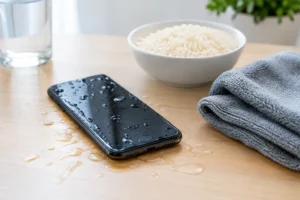
A lot of phones are lost because of bad advice. Rice is the most common example. It sounds harmless, but it is not a dependable fix. Rice does not pull moisture out of sealed internal layers effectively, and dust or starch can get into ports. Waiting in rice for two days also wastes valuable repair time while corrosion keeps spreading.
Skip the hair dryer too. Heat can damage adhesives, screens, and battery components. It can also push moisture deeper inside the phone. The same goes for ovens, heaters, microwaves, or leaving the device in direct sun for hours. Fast repairs are helpful. Fast heat is not.
Do not plug the phone in to test the charger. Do not place it on a wireless charger. Do not connect it to a laptop. Charging a wet phone is one of the quickest ways to turn moisture into major board damage.
And do not assume a water-resistant phone is safe. Water resistance wears down over time. Drops, old seals, previous repairs, and normal wear can all reduce that protection.
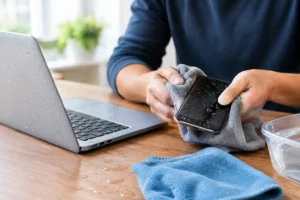
If you are trying to buy time before professional help, keep it simple. Blot the phone dry with a lint-free cloth and place it in a cool, dry area with airflow. A fan is fine. Strong heat is not. Keep the phone powered off while it dries.
If the liquid was anything other than plain water, home drying is usually not enough. Sticky or mineral-heavy residue can remain inside even after the surface feels dry. That is why a phone may start glitching later with charging issues, muffled speakers, screen flickering, or camera fog.
Some phones show a moisture warning when you try to charge them. Take that seriously. It is the phone telling you the charging area is not safe yet. Trying again and again will not fix it faster.
If you rely on the device for work, school, travel, or family communication, this is the point where speed matters. Same-day service gives you a better chance of stopping corrosion before it spreads.
A wet phone does not need to be completely dead to need repair. In fact, some of the best repair outcomes happen when people bring the device in before it fails completely. Free diagnostics can confirm whether moisture reached the charging port, battery, cameras, display connectors, or motherboard.
You should get professional help quickly if the phone will not power on, gets hot, restarts by itself, shows lines on the screen, loses sound, stops charging, or has fog under the camera lens. Those are all signs that water may have reached critical components.
This is also the right move if the phone contains important photos, business files, notes, or contacts you cannot afford to lose. Water damage and data recovery often go hand in hand. The longer liquid sits inside, the harder recovery can become.
At a repair shop, the process is different from just leaving the phone to dry. A technician can open the device, inspect for liquid exposure, clean affected components, test key parts, and tell you whether a full repair is needed. Sometimes the fix is limited to cleaning and part replacement. Sometimes deeper board work is required. It depends on the liquid type, how long it sat, and whether the phone was powered on after exposure.
One frustrating thing about water damage is delayed failure. Your screen may work now and start flickering later. Your battery might hold charge today and drain fast next week. Your charging port might seem normal until corrosion builds enough to interrupt power.
That delayed pattern is why quick action matters even when the phone seems fine. Internal damage is not always dramatic at first. It can show up as Face ID issues, speaker distortion, weak signal, random shutdowns, touch problems, or a camera that stops focusing.
There is also a cost trade-off. Waiting can turn a minor water cleanup into a more expensive repair involving multiple parts. Getting the phone checked early is often the affordable option, not the expensive one.
Sometimes yes, sometimes no. The outcome depends on what kind of liquid got in, how long the phone stayed wet, whether it was charged afterward, and how quickly proper cleaning happened. A fast response improves the odds. So does avoiding the usual mistakes.
Fresh water exposure with immediate shutdown and quick repair service often has a better outlook than sugary drinks or salt water exposure left untreated overnight. Newer phones can be more resistant in some cases, but they are also tightly packed, which means trapped moisture can be harder to clear without opening the device.
The good news is that many water-damaged phones are repairable, especially when customers act fast. Same-day service can make a real difference because it reduces the time corrosion has to spread. If part replacement is needed, genuine parts and a comprehensive warranty add peace of mind.
If your phone is wet at this moment, keep the next steps simple. Turn it off. Remove the case and SIM tray. Dry the outside gently. Do not charge it, heat it, or bury it in rice. Then get it inspected as soon as possible.
If the phone contains important data, mention that right away when you bring it in. If the screen is black but the phone still vibrates, say that too. Small details help speed up diagnosis and can improve the repair path.
For most people, the real goal is not just learning how to save wet smartphone damage at home. It is getting the device back fast, at a fair price, without guessing. That is exactly where a local repair team with certified technicians, same-day service, and warranty-backed work earns its value. At iFix Hub, fast repairs and free diagnostics make it easier to act before water damage gets worse.
A wet phone feels like a disaster in the moment, but fast, calm action gives you the best chance of saving both the device and the data that matters most.


Need help? Our team is just a message away