
No products in the cart.
A phone that drops from 30% to 5% on the way home is not having a bad day. It is usually telling you that a samsung battery replacement is getting close. If your Galaxy phone dies early, charges slowly, feels unusually warm, or shuts off with battery left on the screen, the battery may be the real issue – not the charger, not the cable, and not your apps.
For most people, this is less about battery chemistry and more about daily life. You need your phone to last through work, maps, calls, photos, school pickups, and two-factor logins. When it stops doing that, waiting around for a fix is not practical. The good news is that battery problems are often straightforward to diagnose, and in many cases, replacing the battery is the fastest way to get your phone feeling reliable again.
Battery problems rarely show up all at once. Usually, the warning signs build over time. At first, your phone may just need an extra charge in the afternoon. A few weeks later, it may start draining quickly even when you are not using it much.
Another common sign is random shutdowns. If your Samsung phone turns off at 15%, 20%, or even 30%, that usually points to a battery that can no longer hold voltage properly under normal use. The percentage on screen may look fine, but the battery itself is no longer stable.
Slow charging can also be part of the picture, although this one depends. Sometimes the problem is the battery. Sometimes it is the charging port, cable, adapter, or software. That is why a quick diagnostic matters. Replacing a battery when the real issue is the port will not solve much.
Swelling is the sign you should never ignore. If the back of the phone is lifting, the screen is separating from the frame, or the device feels physically distorted, stop using it and get it checked right away. A swollen battery is a safety issue, not just a performance issue.
All rechargeable batteries wear down. That is normal. Every charge cycle reduces capacity a little, and over time those small losses add up.
Heat speeds up that wear. Fast charging is convenient, but constant heat exposure, heavy gaming, video streaming while charging, and leaving a phone in a hot car can all shorten battery life. Age matters too. Even if you are careful, a battery in a phone that is two or three years old may simply be near the end of its useful life.
Usage patterns also make a difference. Someone who uses navigation, Bluetooth, hotspot, and high screen brightness all day will notice decline sooner than someone who mostly texts and browses. That does not mean you did anything wrong. It just means your phone has been working hard.
This is usually the first real question customers ask, and the honest answer is: it depends on the device.
If your Samsung phone is otherwise in good shape, a battery replacement is often the better value. A new battery can restore day-to-day reliability without the cost of replacing the entire phone. For students, busy professionals, and families trying to avoid a big upgrade bill, that is often the practical move.
If the phone also has major issues – such as screen damage, charging port failure, water damage, or severe motherboard problems – then the decision needs a closer look. In some cases, stacking multiple repairs on an older device may not make sense. In others, fixing everything at once is still far cheaper than buying new.
That is why free diagnostics matter. You want to know whether the battery is the only problem or part of a bigger one.
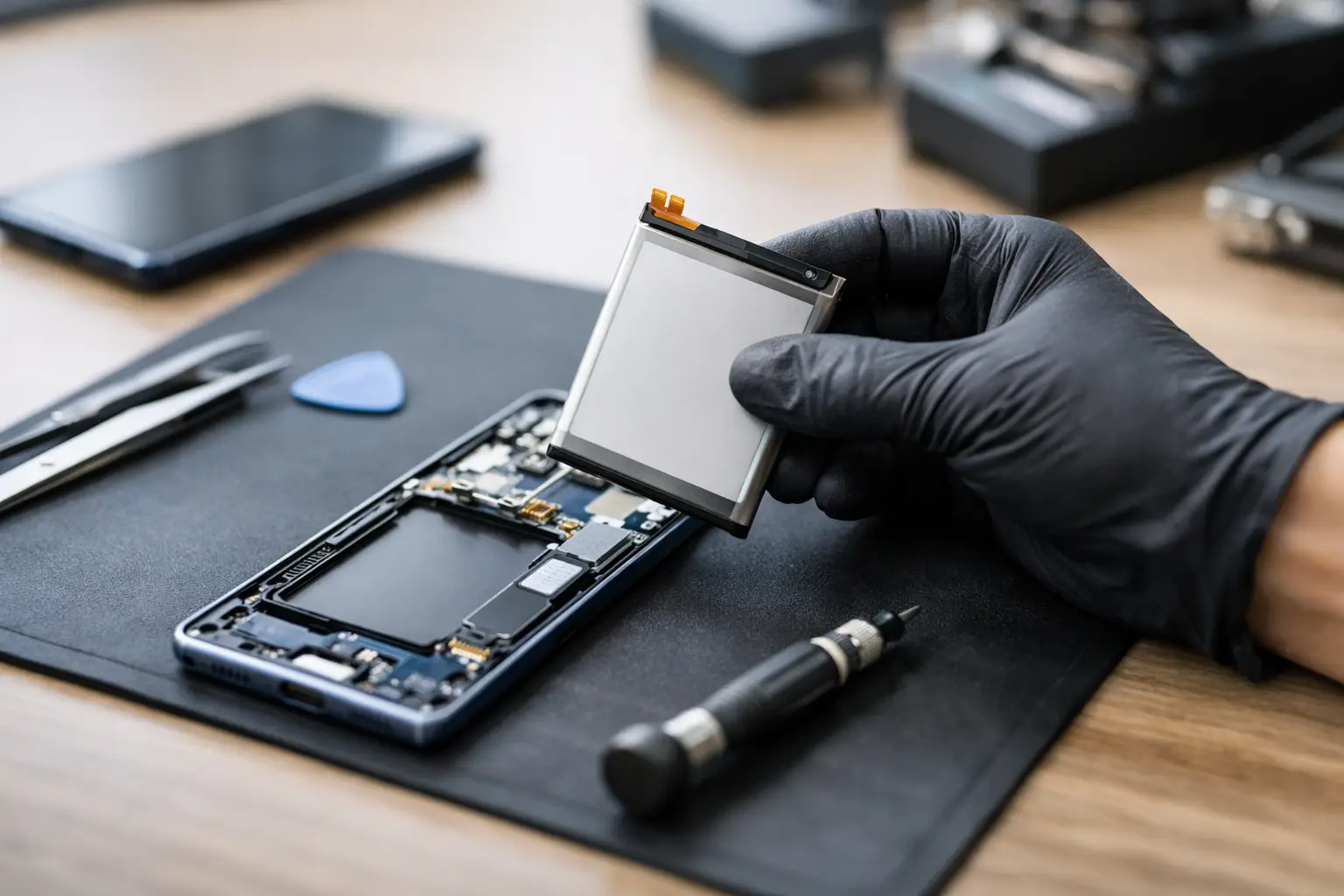
A professional samsung battery replacement is more precise than many people expect. Modern Samsung phones are tightly sealed, and the battery is secured inside the device. Opening the phone without damaging the screen, back glass, or internal components takes the right tools and experience.
The technician typically checks battery behavior, charging performance, and overall device condition first. If the battery is confirmed as the issue, the phone is opened carefully, the old battery is removed, and a new one is installed. After that, the device is tested again to make sure it charges properly, holds power normally, and functions as expected.
The quality of the replacement part matters. So does the workmanship. A cheap battery from an unverified source may lead to weak performance, inaccurate battery readings, or a short lifespan. That is why customers usually look for genuine parts, certified technicians, and a comprehensive warranty. Those details do more than sound good – they protect you from paying twice for the same problem.
Sometimes, yes. Sometimes, no.
If the issue is mild battery drain and the phone still gets through most of the day, you may be able to manage it temporarily by lowering brightness, turning off background activity, and carrying a power bank. That can buy you some time.
If the phone is shutting down randomly, overheating, or showing signs of swelling, do not wait. Those symptoms mean the problem has moved beyond inconvenience. At that point, using the phone normally can become risky or leave you stranded when you need it most.
A lot of people put this repair off because the phone still technically works. But if you have to charge it three times a day, keep battery saver on constantly, or avoid leaving the house without a cable, the device is already failing at its basic job.
It is tempting to look up a DIY video and order a battery online. On paper, this can seem like the cheaper option. In reality, it is often where small battery problems turn into bigger repair bills.
Samsung phones are not built for easy home battery swaps. Adhesive, fragile back glass, delicate flex cables, and screen risk all make the job harder than it looks. One slip can turn a simple battery job into a screen replacement or charging issue.
The other issue is part quality. Not every replacement battery sold online is reliable, even if the listing looks convincing. Without testing tools and installation experience, it is hard to know whether the problem is the battery, the charging system, or both.
Professional service is usually the better choice if you want fast repairs, proper testing, genuine parts, and a clear warranty. That is especially true when the phone is a daily essential and downtime needs to stay minimal.
For many common Samsung models, battery service can often be completed the same day. Exact timing depends on the phone model, current condition, and part availability. If the device has frame damage, back glass issues, or other hidden problems, the repair may take longer.
Still, the reason many customers choose a local repair shop over a manufacturer route is simple: speed. If your phone is your planner, wallet, map, camera, and communication hub, being without it for days is a real problem. Same-day service makes a battery issue feel manageable again.
Price matters, but it should not be the only factor. A very low quote can sometimes mean lower-quality parts or rushed work. The better question is whether the repair offers real value.
Look for a shop that explains the issue clearly, offers free diagnostics, uses quality or genuine parts, and stands behind the repair with a comprehensive warranty. Fast repairs also matter. So does experience with Samsung devices specifically, because battery replacement methods can vary by model.
Clear communication is another big one. You should know what is wrong, what the repair includes, how long it should take, and what the price covers. No surprises, no vague promises.
For customers who need a dependable local option, iFix Hub is built around exactly that experience – same-day service, certified technicians, genuine parts, and straightforward support that gets you back to normal fast.
A new battery should give you better endurance, more stable percentage readings, and fewer charging headaches. But it is still worth building a few better habits if you want the battery to last.
Try to avoid extreme heat, use reliable charging accessories, and do not ignore new charging issues if they show up. If a phone starts charging inconsistently after a battery replacement, the issue could be the port or cable rather than the new battery itself. Good repair service should make that easy to check.
It also helps to remember that no battery makes a phone brand new in every way. If your device is older, you may still notice limits from the processor, storage, or software generation. But for many people, restoring battery life is the one repair that makes the biggest daily difference for the lowest cost.
If your Samsung phone is not holding charge the way it should, trust what the device is telling you. A quick diagnostic now is usually easier, cheaper, and less stressful than waiting for a complete failure at the worst possible moment.





Need help? Our team is just a message away