

No products in the cart.
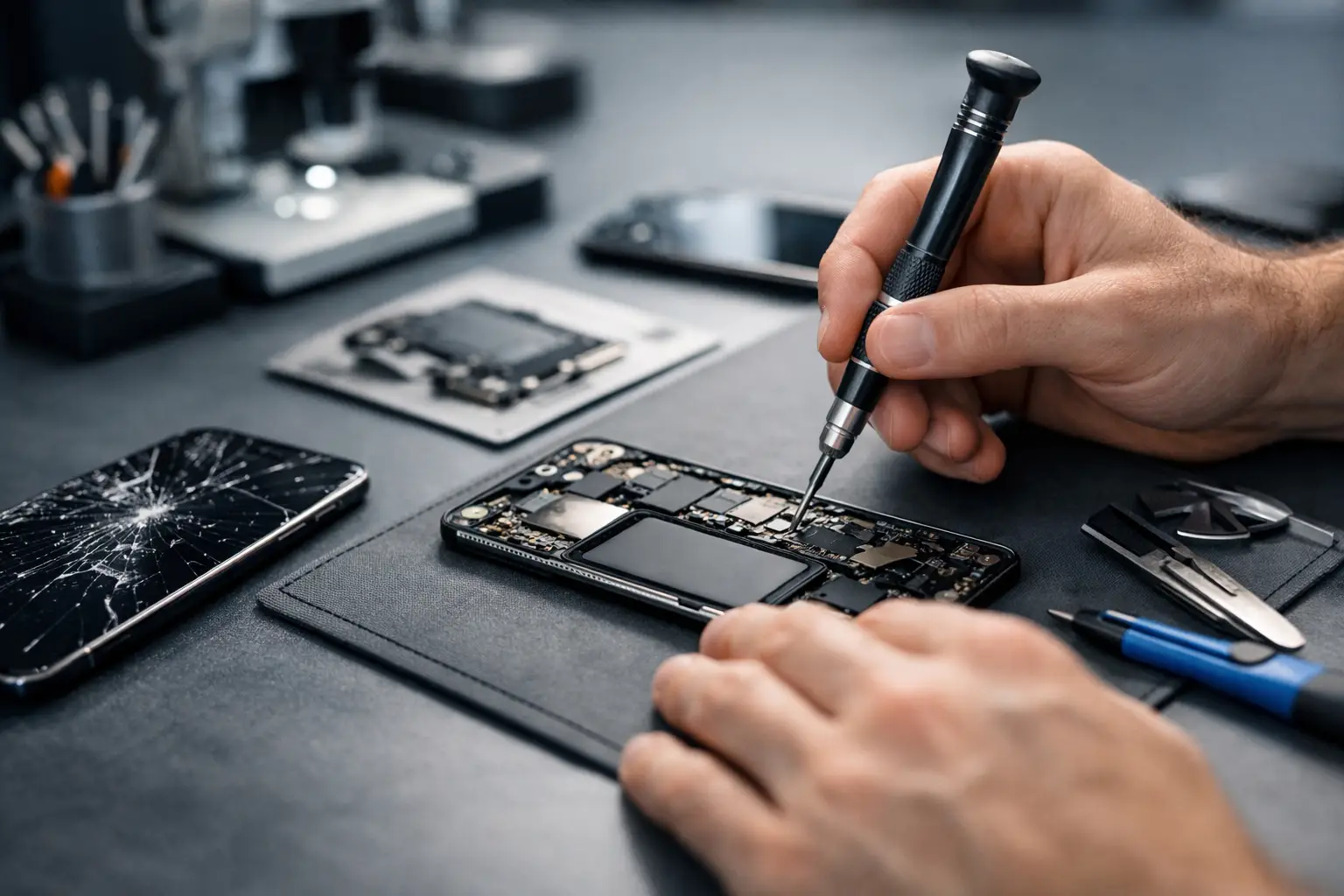
Your phone rarely breaks at a convenient time. It happens before work, during travel, right before a payment, or when you need access to photos, messages, and apps you use every day. This complete phone repair process guide explains what actually happens from the moment a problem starts to the moment your device is back in your hand, so you know what to expect and how to get fast repairs without guesswork.
Most customers do not want a technical lecture. They want clear answers. Can it be fixed? How long will it take? How much will it cost? Will the data still be there? A good repair experience answers those questions quickly, gives you realistic options, and gets the job done right the first time.
A phone repair is not just the repair itself. The full process includes the first symptom, diagnosis, estimate, parts check, repair work, quality testing, and post-repair support. If any one of those steps is rushed or skipped, you can end up with delays, repeat issues, or a device that still does not feel reliable.
That is why free diagnostics and same-day service matter so much for common issues. They remove the waiting game. Instead of being told to leave your phone for days just to get an answer, you get a practical path forward fast.
Many people walk into a repair shop saying they need a new battery, charging port, or screen. Sometimes they are right. Sometimes the visible issue is only part of the problem.
A cracked screen may also have frame damage. A battery that drains fast may be caused by background software issues, charging failures, or heat damage. A phone that will not charge might need a charging port replacement, but it could also be lint buildup, battery failure, or board-level damage.
That is why the process should begin with what the phone is doing, not what you think needs replacing. The more specific you can be about the problem, the easier it is to narrow down the cause. If the phone overheats only while charging, say that. If the back camera works but the selfie camera does not, mention it. Those details save time.
A proper diagnostic is where repair quality starts. This step checks the phone’s condition, identifies the failed component, and flags any related damage that could affect the outcome.
For a screen issue, a technician may test display output, touch response, brightness, front camera alignment, and frame condition. For battery concerns, they may look at charging behavior, battery health, swelling, temperature, and power drain patterns. For water damage, they inspect corrosion, connector damage, speaker function, and whether the phone is still powering on consistently.
This stage should also include a conversation about your priorities. Some customers want the fastest same-day service possible. Others care most about keeping costs low. Others need data recovery above everything else. The right repair plan depends on that.
Once the issue is confirmed, you should get a straightforward estimate. That means labor, parts, expected turnaround time, and whether the repair includes warranty coverage. If the repair center cannot explain the price in simple terms, that is usually a bad sign.
For common repairs like screen replacement, battery replacement, charging port repair, and camera repair, same-day service is often possible when parts are in stock. More complex cases like water damage restoration or data recovery can take longer because the phone may need deeper inspection and multiple rounds of testing.
This is also where trade-offs come into play. Genuine parts usually provide the best long-term fit, function, and reliability, but they may cost more than low-grade alternatives. A trustworthy shop explains the difference clearly instead of pushing the cheapest option and hoping you will not notice reduced quality later.
Not every repair affects your data, but every repair should be handled with data awareness. Screen and battery repairs typically do not erase content, yet there is always some level of risk any time a device with existing damage is opened.
If the phone still works, backing up data first is the safest move. If it does not work, tell the technician right away if photos, contacts, messages, business apps, or files are a priority. In some cases, the repair approach changes when data recovery is part of the goal.
This matters most with water damage and phones that boot intermittently. Sometimes the smartest move is not to force a full repair first but to stabilize the device, restore temporary function, and recover data before deciding what comes next.
The actual repair may look simple from the customer side, but it should never be rushed behind the counter. A quality repair process includes careful disassembly, inspection of surrounding components, proper installation, and controlled reassembly.
If the issue is a screen replacement, the technician should not only swap the display. They should check connectors, frame alignment, adhesive placement, and front sensor function. If it is a battery replacement, they should inspect battery seating, power draw, and charging performance before closing the phone.
Charging port repairs need particular care because ports take constant wear. If a port is replaced without checking cable fit, board connection, and charging stability, the problem can come right back. Water damage repairs are even more sensitive. Corrosion can spread, and some devices recover partially before hidden issues show up later. That is why no honest shop should promise every liquid-damaged phone will be fully saved. Sometimes it depends on how much exposure occurred and how fast the phone was brought in.
This is one of the most overlooked parts of the complete phone repair process guide. A phone is not truly repaired when the new part is installed. It is repaired when the device passes post-repair testing.
After a screen replacement, testing should include touch accuracy, display quality, brightness, microphone and earpiece function, proximity sensor response, and charging. After battery service, the phone should be checked for stable power, charging consistency, and temperature behavior. Camera repairs should verify focus, image clarity, flash, and app performance.
A fast repair shop can still be thorough. Speed matters, but skipping final checks is where callbacks happen. Same-day service should mean efficient workflow, not rushed work.
When you collect your device, the technician should explain what was repaired, what was tested, and whether there are any remaining risks. If there is frame damage, prior water exposure, reduced battery life from age, or signs of future failure, you should hear that clearly.
This is also the right time to ask about warranty terms. A comprehensive warranty adds real peace of mind, especially for common repairs. It tells you the shop stands behind the parts and labor rather than treating the job as finished the second you pay.
Good pickup guidance also includes prevention. If your old case did not protect the phone well enough, or your charger is contributing to battery stress, this is where practical advice helps. For many customers, adding a better case, tempered glass, or reliable charging accessories right after a repair is the easiest way to avoid paying for the same problem twice.
Screen replacement is usually the fastest and most common service. If the frame is intact and the part is available, it is often completed the same day. If the phone bent on impact, timing can vary because structural damage affects fit and finish.
Battery replacement is also a quick repair in many cases, but not every battery issue is truly a battery issue. Fast drain, random shutdowns, and overheating may involve software, charging accessories, or power management faults.
Charging port repair often sounds simple but can be misleading. Dirt buildup can mimic a failed port, while repeated cable strain may damage surrounding components. A proper diagnosis keeps you from paying for the wrong fix.
Water damage restoration is the least predictable category. The phone may turn on today and fail tomorrow, or appear dead and later become partially recoverable. Fast action improves the odds, but outcomes vary.
The best repair experience usually comes from a shop that offers free diagnostics, clear pricing, certified technicians, genuine parts, same-day service for common problems, and a comprehensive warranty. Those are not marketing extras. They are signs that the process is built around real customer needs.
You should also pay attention to how the staff communicates. If they explain the issue clearly, set realistic expectations, and do not pressure you, that is a strong sign. When a phone is central to work, school, family logistics, and daily life, trust matters as much as speed.
At iFix Hub, that customer-first approach is the standard because fast repairs only matter when the repair is done properly and backed with confidence.
A broken phone can feel urgent because it is urgent. The good news is that the right repair process turns a stressful problem into a manageable one – clear diagnosis, fair pricing, quality parts, careful testing, and a quick return to normal. When you know what to expect, it is easier to choose a repair service that respects both your time and your device.






Need help? Our team is just a message away