

No products in the cart.
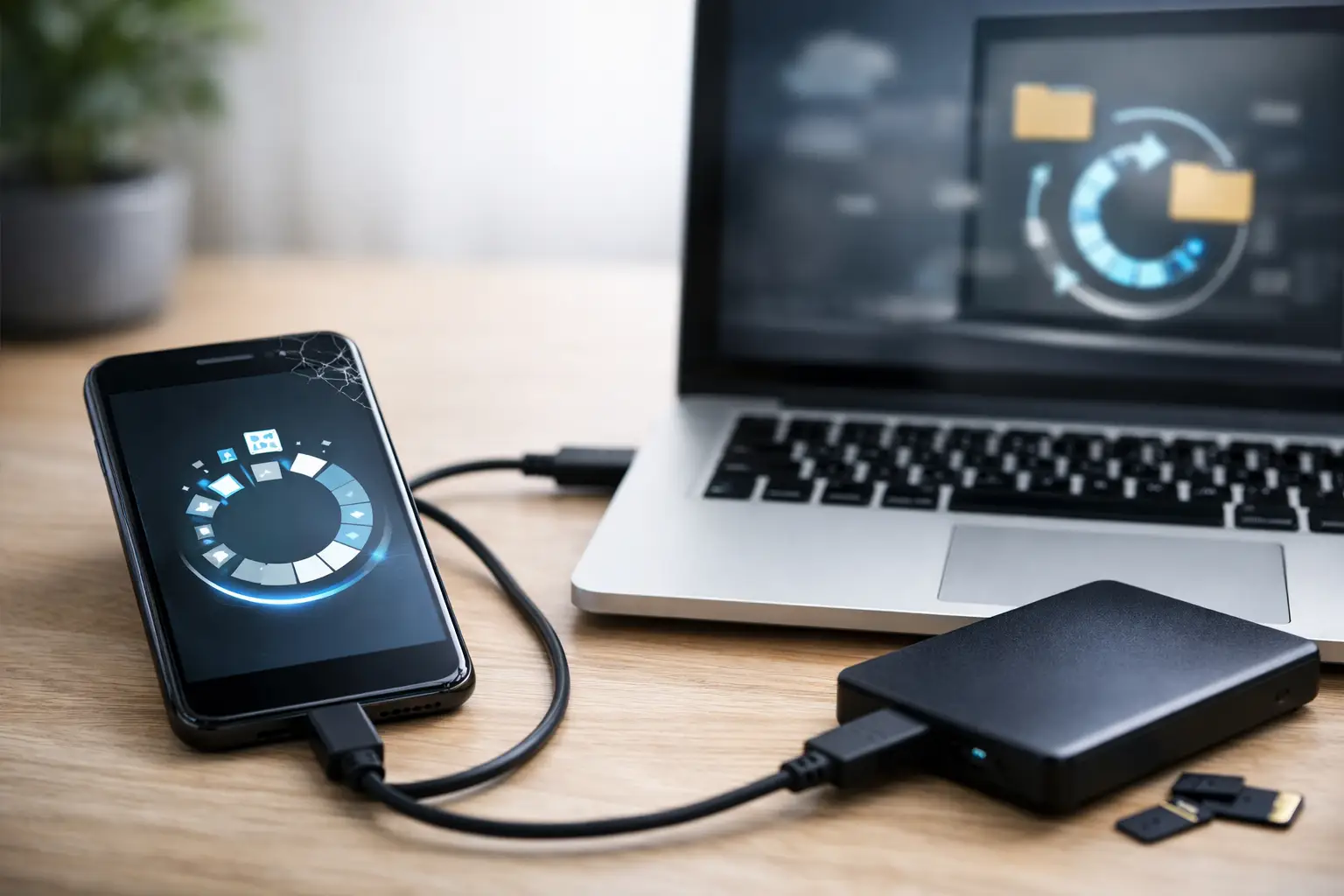
That moment hits fast – your phone won’t turn on, your screen is black, or a folder full of photos suddenly disappears. A good guide to phone data recovery starts with one simple rule: stop guessing. The wrong move can turn a recoverable problem into permanent data loss, especially when the phone has water damage, physical damage, or storage issues.
Most people do not need a technical lecture when their device fails. They need to know whether their photos, contacts, messages, notes, and work files still have a chance. In many cases, they do. The key is understanding what kind of data loss happened, what you should do immediately, and when fast professional help is the safer choice.
Phone data recovery is not one single fix. It depends on whether the issue is logical, physical, or related to power. If you deleted files by accident, that is very different from a phone that was dropped in water or crushed in a car door. Both can lead to lost data, but the recovery process is completely different.
Logical data loss usually means the phone still works, but files are missing because of accidental deletion, software corruption, a failed update, or a factory reset. Physical data loss happens when the device itself is damaged – cracked board, dead battery, broken screen, charging issue, or liquid exposure. Sometimes the phone is fine internally and only appears dead because the display is damaged. In that case, your data may still be intact and accessible with the right repair.
This is why free diagnostics matter. Before anyone promises a recovery, the device needs to be checked properly. A trustworthy repair shop should explain whether the issue is with the screen, the battery, the charging port, the motherboard, or the storage itself.
The first few minutes matter more than most people realize. If you deleted something important, stop using the phone as much as possible. New data can overwrite deleted files, which lowers your chances of recovery. Do not keep downloading apps, taking photos, or recording videos while you are trying to get something back.
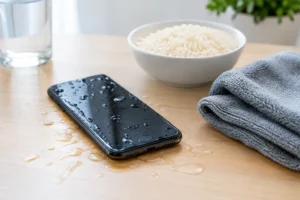
If the phone has water damage, turn it off immediately. Do not charge it. Do not keep pressing buttons to check whether it still works. Power moving through a wet device can cause more internal damage. Rice is not a real fix, and waiting too long can reduce the chance of both repair and recovery.
If the phone was dropped and the screen is black, do not assume the data is gone. Many phones still power on normally after a fall, but the display, touch layer, or internal connector fails. That is often a repair issue first, not a data recovery issue. A same-day screen or connector repair may be all that is needed to access your files again.
The most common case is accidental deletion. Someone removes photos, clears messages, deletes notes, or empties a file folder and realizes too late that something important was in it. If the phone has not been used much since then, recovery may be possible, but it depends on the model, storage behavior, and whether backups exist.
The second common case is a phone that will not power on. This could be a battery failure, charging port problem, board-level issue, or water damage. People often think the storage is destroyed, but many times the real problem is that the device cannot boot or display anything. A fast repair by certified technicians can restore access without a complicated recovery process.
Another common situation is a phone stuck in a boot loop after an update. The data may still be there, but the operating system cannot load properly. This is where DIY resets become risky. Factory reset options can wipe the very files you are trying to save.
Then there is severe physical damage. If a phone was bent, burned, submerged, or heavily crushed, recovery becomes more specialized. It may still be possible, but success depends on whether the memory chip remains intact and whether the board can be stabilized long enough to extract data.
There is a place for simple DIY steps, but only when the risk is low. If the issue is a dead screen, a charging cable problem, or a software glitch and you already have cloud backups enabled, you may be able to recover what you need without much trouble. Signing into your backup account, checking recently deleted folders, or trying a verified charging setup can solve basic problems.
But DIY becomes risky when the phone has water damage, repeated restart failures, severe overheating, or signs of board damage. It is also risky when the data is valuable enough that you cannot afford mistakes. Family photos, business contacts, legal documents, school files, and work messages are not the place for trial and error.
A lot of online advice skips that trade-off. People are told to install random recovery apps, force software updates, or reset the phone without understanding what those steps can erase. The cheaper option is not always the safer one. Sometimes the best move is to stop and let a repair technician diagnose the device before more damage happens.
A practical guide to phone data recovery should make this clear: many recoveries start with repair. If the battery is dead, the charging port is broken, or the screen is nonfunctional, fixing that issue may be the fastest route to your data. You do not always need advanced extraction. Sometimes you just need the phone working long enough to back everything up.
That matters because it can save time and money. Full data recovery is typically more complex than a standard repair. If a same-day service can restore power or display access, you may be able to retrieve your files and avoid a deeper process. This is one reason customers often do better with a shop that handles both device repair and data recovery instead of treating them as totally separate services.
At iFix Hub, this kind of practical approach makes sense for real-life emergencies. People are not looking for a lab report. They want to know whether the phone can be diagnosed quickly, whether the fix is affordable, and whether there is a clear path to getting their data back.
A professional process should start with diagnosis, not promises. The technician checks whether the issue is power-related, screen-related, software-related, or board-related. From there, the goal is to choose the least invasive option that still protects the data.
If the problem is simple, the phone may only need a battery replacement, charging port repair, or temporary screen replacement to regain access. If the issue is more serious, the technician may need to stabilize the device, repair board-level damage, or work around a failed boot condition. In some cases, the goal is not a full repair for everyday use. It is just to get the device running long enough to extract the important files.
That distinction matters. If your phone is badly damaged, a responsible shop should explain whether they are trying to restore full function or perform a limited recovery. Clear expectations are part of good service.
Keep the phone as untouched as possible. Bring any passcodes, charging accessories, and account details you may need for access. If the screen is dead but you think the phone still vibrates or makes sounds, mention that. Small details help narrow down whether this is a display issue, a power issue, or something deeper.
It also helps to say exactly what data matters most. If you only need photos and contacts, that can shape the approach. If you need app data, voice notes, text messages, or business files, the process may be different. Recovery is rarely all-or-nothing. Priorities matter.
Speed matters, but so does judgment. A good shop should offer free diagnostics, straightforward communication, and a realistic explanation of your options. Same-day service is a real advantage when the issue is a screen, battery, charging port, or other repair that blocks access to healthy data.
You should also look for certified technicians, genuine parts when repairs are needed, and a comprehensive warranty on the repair work itself. While no honest shop can guarantee every data recovery outcome, they should be transparent about what is repairable, what is recoverable, and what the risks are.
If a shop pushes immediate resets, vague promises, or one-size-fits-all software tools, be careful. Data recovery is not a template service. It depends on the device, the damage, and how quickly the phone is evaluated.
Phones fail at the worst possible times, but data loss is not always the end of the story. The smartest first step is usually the simplest one – stop using the device, avoid risky DIY fixes, and get a proper diagnosis fast. When you move quickly and choose experienced hands, you give your data the best chance to make it back with you.




Need help? Our team is just a message away
One Response