

No products in the cart.
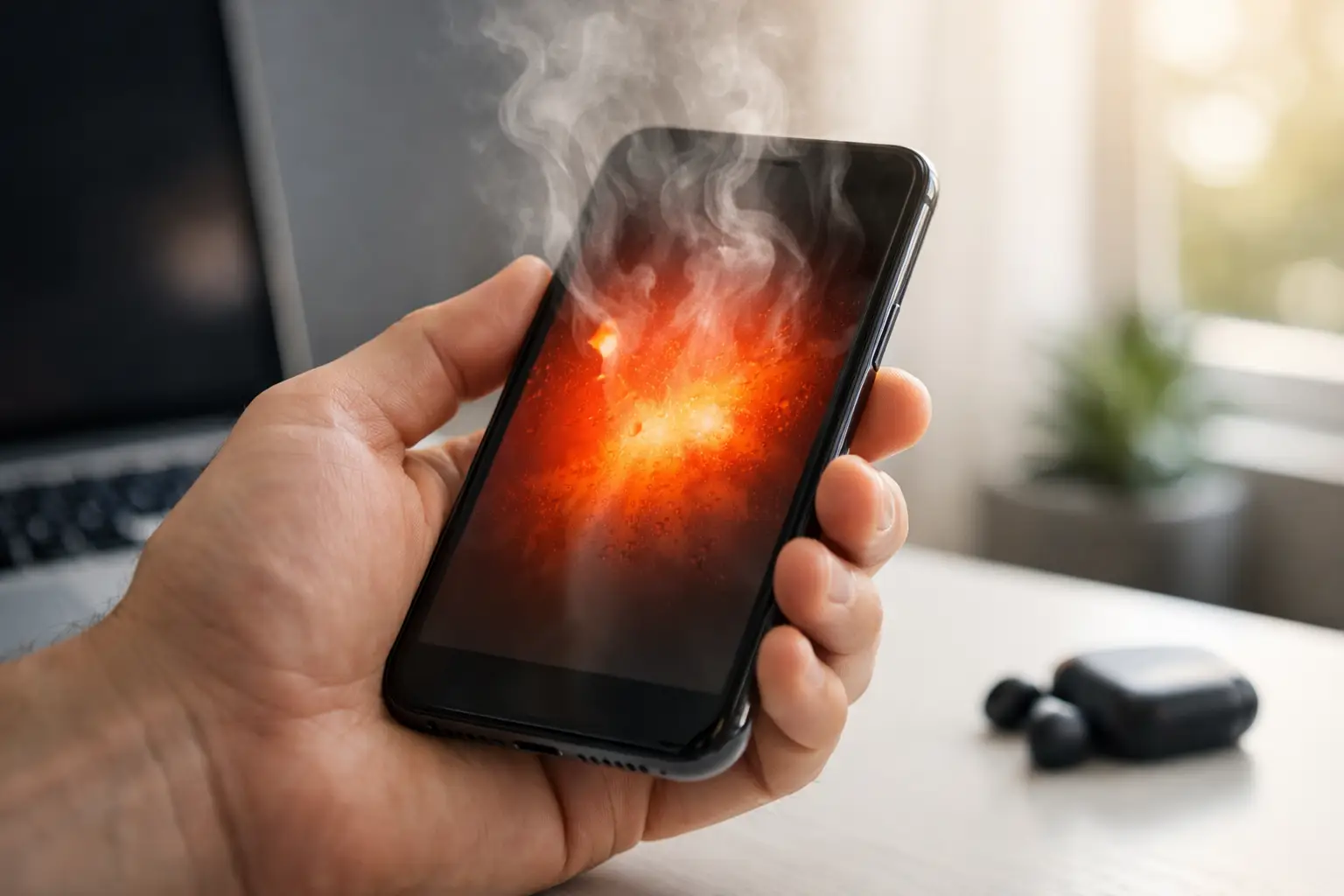
Your phone gets hot during a video call, starts lagging, and suddenly the brightness drops on its own. A few minutes later, charging slows down or stops completely. If you’re asking, why is my phone overheating, you’re usually dealing with one of a few common issues – and some are easy to fix, while others need fast professional attention.
Heat is your phone’s way of telling you something is working harder than it should. Sometimes that means normal strain, like gaming, GPS use, or fast charging. Other times it points to a worn battery, charging problem, software issue, or internal damage. The key is knowing the difference before heat turns into battery drain, performance problems, or a device that won’t power on when you need it most.
A phone should get slightly warm from time to time. That’s normal. What’s not normal is a device that feels hot in your hand during basic tasks like texting, browsing, or sitting idle on a table.
One common reason is too many apps running in the background. Even if you’re not actively using them, some apps keep refreshing location, syncing data, playing media, or checking for updates. That constant background activity forces the processor to keep working, which creates extra heat and drains the battery faster.
Screen brightness can also be a factor. If your display is set very high for long periods, especially outdoors, the phone produces more heat. Add mobile data, streaming, or navigation on top of that, and the temperature rises quickly.
Then there’s signal strength. A weak cellular signal makes your phone work harder to stay connected. If you’re in a parking garage, elevator, rural area, or building with poor coverage, your phone may heat up simply from trying to maintain service.
If your phone gets hottest while plugged in, the charger setup deserves a close look. A low-quality cable, damaged charging port, or incompatible charging block can all create unstable power flow. That can lead to excess heat, slower charging, and battery stress over time.
Wireless charging can also make phones run warmer than standard wired charging, especially if the device isn’t aligned properly on the pad or if you’re using the phone while it charges. Add a thick case to the mix, and heat gets trapped even more.
Fast charging is convenient, but it naturally creates more heat than standard charging. That doesn’t automatically mean something is wrong. The issue is when your phone becomes unusually hot, charges inconsistently, or shows battery warnings. In those cases, the battery or charging system may already be under strain.
If the charging cable feels loose, the port needs to be held at an angle, or charging cuts in and out, don’t ignore it. A damaged charging port can cause heat buildup and lead to bigger repair costs if left alone.
This is where overheating shifts from annoying to urgent. If your phone started running hot after being dropped, exposed to moisture, or splashed near the charging port, internal damage may be the cause.
A hard drop can loosen internal connections, damage the battery, or affect components on the logic board. The outside of the phone may look fine, but inside, a damaged part could be drawing power the wrong way. That often shows up as unusual heat, battery drain, random restarts, or charging trouble.
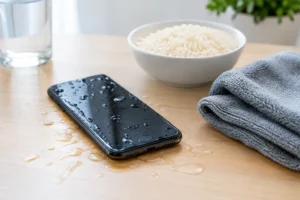
Water exposure is even more unpredictable. Even a small amount of moisture can create corrosion over time. The phone may seem okay at first, then begin overheating days later as damaged components start failing. Rice won’t fix that. Drying the surface helps, but internal corrosion usually needs proper cleaning and inspection.
If heat started after physical damage or liquid contact, it’s smart to stop charging the device and get a professional diagnosis quickly. That’s especially true if the back of the phone looks swollen, the screen starts lifting, or there’s a chemical smell. Those are battery warning signs and shouldn’t be ignored.
As batteries age, they become less efficient. That means they can heat up faster during charging, heavy use, or even light daily tasks. Older phones often show this pattern first: the battery drains quickly, the device feels warmer than usual, and performance becomes less reliable.
A failing battery doesn’t always mean the phone is at the end of its life. In many cases, a battery replacement is the straightforward fix that restores normal performance and temperature. That’s often much more affordable than replacing the whole device.
There’s a difference between a phone getting warm during a long FaceTime call and a phone overheating when checking email. If basic tasks are causing serious heat, the battery should be tested.
Not every overheating issue is hardware. Sometimes the problem starts right after a software update, app install, or settings change. A buggy app can overuse your processor in the background without making it obvious. You just notice the phone getting hot, the battery dropping fast, and maybe the fanless device struggling to keep up.
If you recently updated your phone, some short-term warmth can be normal while the system reindexes files and completes setup tasks. But that should settle down fairly quickly. If it doesn’t, an app conflict or software bug may be keeping the device under constant load.
This is why overheating can be tricky. It depends on what changed. If the problem began right after downloading a new app, using a new charger, or replacing a part at an unreliable shop, that timing matters.
Start with the basics. Take the case off and move the phone out of direct sunlight. Stop using power-heavy apps for a while and disconnect the charger if the device is unusually hot. Let it cool naturally. Don’t put it in a freezer or against an ice pack. Extreme cold can create condensation and make things worse.
Check for app updates and install the latest system update if one is available. If one app seems tied to the problem, close it, reinstall it, or stop using it for now. Lower the screen brightness, turn off Bluetooth or GPS if you don’t need them, and switch from cellular data to Wi-Fi when possible.
Look closely at your charger and cable. Fraying, bent connectors, and low-cost replacements are common culprits. If charging has been inconsistent, stop guessing and have the port and battery checked.
A hot phone once in a while is one thing. A phone that keeps overheating is another. If the issue is happening often, you’re not just dealing with inconvenience. You’re dealing with a device that may be heading toward battery failure, charging damage, or internal component issues.
Professional repair makes sense when the phone overheats during light use, gets hot every time it charges, drains battery unusually fast, restarts on its own, or shows signs of swelling or screen separation. It also makes sense if the problem started after a drop or water exposure. In those situations, waiting usually doesn’t save money. It often leads to more damage.
A proper diagnosis matters because overheating symptoms can overlap. What looks like a battery problem could really be a charging port issue. What seems like a software glitch could be internal board damage. A fast inspection by certified technicians helps you avoid replacing the wrong part.
At a shop like iFix Hub, that means same-day service for many common issues, clear pricing, genuine parts, and a comprehensive warranty that gives you peace of mind. For most people, that’s better than gambling on another charger, another reset, or another week of hoping the problem disappears.
Prevention is mostly about reducing stress on the phone. Use quality chargers, avoid leaving the device in a hot car, and don’t keep it under a pillow or blanket while charging. If you game, stream, or use navigation for long stretches, give the phone short breaks when possible.
A good case helps with drops, but some heavy cases can trap heat during charging or gaming. It depends on the design. If your phone runs hot often, removing the case while charging may help.
Battery health also matters. If your phone is a few years old and has started getting warmer over time, replacing the battery before it becomes a bigger issue can save you from sudden downtime.
When your phone overheats, the best move is not to panic – but not to ignore it either. Heat is often the first visible warning that something needs attention, and catching it early is usually the fastest, most affordable way to keep your device reliable.


Need help? Our team is just a message away